
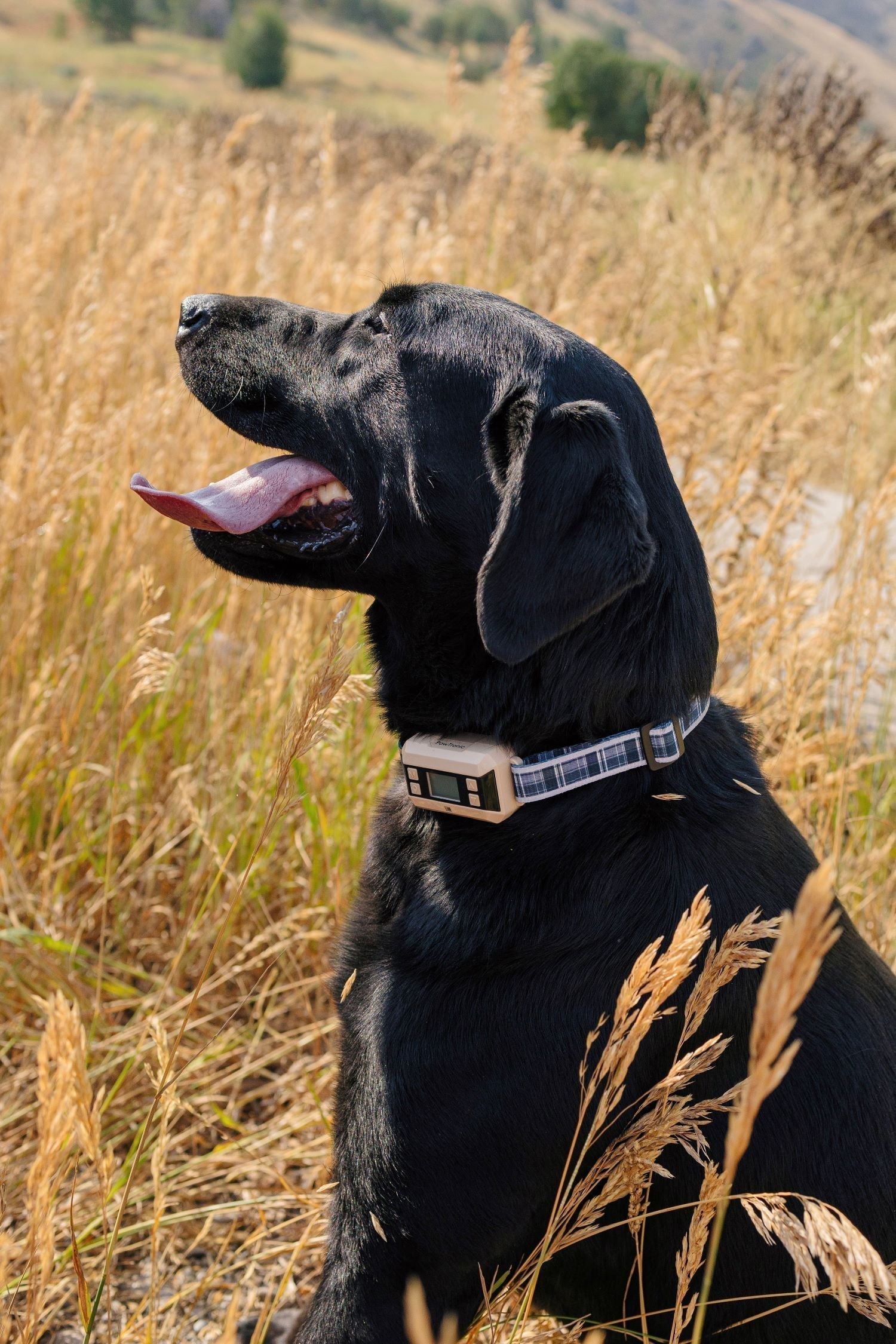
Technology is often built with universal design in mind, meaning it should be easy for anyone to use, anywhere. GPS Wireless Dog Fence collars follow that idea, giving pet owners around the world a simple way to set safe boundaries without a physical fence.
Still, different environments can affect GPS performance, so it helps to know how to adjust your setup for where you live or travel. In this guide, we will break down how to use PawTronic invisible dog fences safely and effectively in urban, suburban, rural, mountainous, and coastal settings.
1. Urban Settings: Navigating Crowded Spaces and Buildings
Urban areas are bustling with cars, people, and potential distractions for your dog. In this environment, GPS signals can sometimes be affected by tall buildings or other electronic signals, which could weaken the connection with the GPS Wireless Dog Fence.
Safety Tips:
-
Keep boundaries smaller: Set the boundaries within a safe and open area, like a park or your yard, to avoid weak signals caused by nearby buildings. For better signal stability, review your GPS dog fence boundary settings and tighten the radius when needed.
-
Monitor GPS accuracy: Check for signal strength often in case buildings or other electronics interfere. High quality GPS dog collars , like the PawTronic GPS Dog Fence Collar, can reduce the risk of losing the signal even in challenging environments. If your collar starts acting up, use these tips to fix common wireless dog collar issues .
-
Be cautious of traffic: Set boundaries away from busy roads to minimize risk, as a weak signal could allow your dog to move outside the fence perimeter.
2. Suburban Areas: Balancing Freedom and Safety
Suburban environments usually offer open spaces and less crowding than urban areas, but they still have streets, neighborhood pets, and sometimes wildlife. A GPS dog collar can provide your dog with safe boundaries while allowing for some freedom.
Safety Tips:
-
Use appropriate fence settings: Set your Wireless Dog Fence boundaries to cover only safe areas like backyards or fenced parks. If you want a clear walkthrough before you start, follow this guide on how to set up a wireless dog fence system .
-
Stay vigilant: Even in a relatively low-traffic environment, check the GPS dog fence system periodically to ensure it's functioning correctly. If you notice inconsistent alerts or drifting lines, this resource on troubleshooting problems with wireless dog fence systems can help.
-
Watch for neighborhood pets: GPS boundaries don't account for other animals entering the zone, so keep an eye out for neighborhood pets or wildlife that might provoke your dog to break the boundary.
3. Rural and Open Fields: Managing Longer Ranges and Natural Obstacles
Rural areas offer more freedom and open spaces but often come with natural obstacles like dense trees, hills, or water bodies. GPS collars work best in open areas with a clear line of sight to the sky, so thick foliage or dense terrain can occasionally cause weak signals.
Safety Tips:
-
Avoid heavily wooded areas: Set the boundaries to open fields or areas with minimal tree cover to maintain a strong GPS connection.
-
Check collar range capability: For rural settings, make sure your dog collar receiver is capable of covering large areas. A reliable dog fence system like the PawTronic Pro GPS Wireless Dog Fence can handle longer ranges, making it ideal for open environments.
-
Be prepared for wildlife: In rural areas, wild animals may be drawn to the fence area, so keep an eye on your dog to prevent risky encounters.
4. Mountainous or Hilly Terrain: Dealing with Elevation Changes and Limited Signals
Mountainous regions present challenges with elevation changes, which can interrupt GPS signals. The line-of-sight limitations mean that GPS collars might struggle in mountainous terrain, potentially affecting the GPS Wireless Dog Fence functionality.
Safety Tips:
-
Check for GPS signal consistency: Test the system in the area to ensure a reliable connection, especially if you're using it in hilly or forested terrain.
-
Adjust boundaries: In hilly areas, keep boundaries tighter to prevent your dog from wandering out of range in areas where signals may drop.
-
Supervise closely: Keep a closer eye on your dog when exploring mountainous areas, as sudden drops in signal are more likely in these regions.
5. Beaches and Coastal Areas: Handling Saltwater and Sand
Dogs love beaches as they provide fun and open space for dogs to explore. Although they might come with added dares like saltwater and sand. Both can affect a dog collar's functionality and GPS accuracy if the device isn't built for these conditions.
Safety Tips:
-
Opt for beach-compatible equipment: Use collars with high water resistance to handle exposure to saltwater and moisture.
-
Clean after each use: Sand and saltwater can cause wear on your dog's collar and GPS receiver. Rinse and clean the collar after beach visits to keep it functioning optimally.
-
Monitor boundaries on the beach: Coastal areas can affect GPS accuracy, so consider narrowing the boundary range to ensure your dog stays within a safe area.
Conclusion:
Different parts of the world have different lifestyles which leads to specified handling of technology. So does the use of a GPS Wireless Dog Fence, but with some preparation and a quality system, you can care for your dog and keep them safe wherever you are. The PawTronic GPS Dog Fence Collar is a top choice for dog owners across the USA, offering advanced technology that adapts to different terrains and conditions. With its reliability and ease of use, you can have peace of mind knowing your dog is safe and secure.
If you are setting up for the first time, use this step by step guide to installing a GPS dog fence . And if you also want a travel friendly backup, PawTronic offers portable dog fences for quick setup away from home. For some yards, owners also compare GPS systems to above ground electric dog fences to find the best fit for their property.
GPS Dog Collar Safety Tips: FAQs
Are GPS dog collars safe?
Yes, GPS dog collars are safe when fitted correctly and used as directed, since they are designed for everyday wear and outdoor activity. The key is choosing the right correction level for your dog and pairing the collar with proper training.
Do GPS wireless dog fences work in all environments?
They work well in most places, but performance can vary depending on signal interference, terrain, and how open the sky view is. Adjusting your boundary and collar settings helps maintain reliable containment.
How should I set GPS boundaries in urban areas?
Keep boundaries smaller and away from tall buildings or heavy electronic interference. Testing signal strength in your chosen area before letting your dog roam is a smart habit.
What is the best way to use a GPS dog fence in rural or wooded areas?
Aim for open fields whenever possible, since dense trees can weaken satellite signals. If you must use wooded areas, tighten boundaries and monitor your dog more closely.
Can I use a GPS wireless dog fence while travelling?
Yes, GPS fences are ideal for travel because you can reset boundaries anywhere with a clear setup. Portable systems make it easier to create safe zones at campsites, rentals, or parks.
How do I improve GPS accuracy in hilly or coastal locations?
In hilly areas, set tighter boundaries to account for signal drops caused by elevation changes. At beaches, rinse collars after use and narrow the boundary slightly to offset potential GPS drift from open water reflections.

Leave a comment
This site is protected by hCaptcha and the hCaptcha Privacy Policy and Terms of Service apply.