

$19.99


GPS Dog Fence for Multiple Dogs: One Boundary, a Collar per Dog
By: Jeff Smith
November 06, 2026
12 MINS READ

A GPS dog fence for multiple dogs needs a compatible collar for each dog. Two or three dogs can share the same boundary, with each collar set up and tested separately. With PawTronic Pro Series 2, each dog gets its own collar in a two- or three-collar package, with no monthly fence or app fee. The purchase price depends on whether you’re buying a package or adding a receiver to an existing system.
I compare the complete two-dog cost before judging the price. That means checking the included collars, any required subscription, and the equipment needed for setup. I also check each dog’s fit requirements separately. A package only makes sense if both dogs can use it.
PawTronic’s GPS dog fence saves that boundary to each collar, so after setup it runs without a continuous phone connection. Below, I break down the buying costs, compare GPS and transmitter-based systems, and explain what changes when you add a third dog.

How much does a GPS dog fence for multiple dogs cost?
Buying two PawTronic Pro Series 2 collars individually at the standard price of $578.99 each totals $1,157.98 before tax. Three individually purchased collars total $1,736.97. These are single-collar purchase calculations, not multi-collar package prices.
I compare complete two-dog setups. If a transmitter-based kit includes one receiver, add a compatible second collar to its price. If a system requires membership, confirm whether the fee covers both dogs or applies separately to each collar.
|
Cost to compare |
Two dogs |
Three dogs |
|---|---|---|
|
Receiver collars needed |
Two compatible collars |
Three compatible collars |
|
PawTronic hardware bought individually |
$1,157.98 |
$1,736.97 |
|
PawTronic fence and app subscription |
$0 |
$0 |
|
Annual subscription, if charged per collar |
Monthly fee per collar × 2 dogs × 12 months |
Monthly fee per collar × 3 dogs × 12 months |
First-year cost = hardware + required setup equipment + 12 months of required membership.
For a three-year comparison, use the same upfront costs plus 36 months of required membership. Count any equipment included in the package only once. Keep optional tracking fees separate when tracking is not required for the fence to operate.
I also check package contents before adding accessories to the budget. Count charging equipment, training flags, and replacement parts only when you need them, and they aren't already included.
If you already own a working fence, check whether it supports an additional receiver. A compatible collar may be all you need for another dog. Confirm the exact model compatibility before buying, even when both products carry the same brand name.
Can two or three dogs use the same wireless fence?
Yes, two or three dogs can share a wireless boundary when the system supports enough compatible receiver collars. Each dog needs its own collar, fitted and configured separately. I check the system’s supported collar count before buying, because the number of collars in a package doesn't necessarily indicate its maximum capacity.
The technology determines how the collars follow that boundary:
- Transmitter-based systems: A central unit establishes a boundary around its location. Compatible receiver collars respond independently, so the dogs do not have to stay together. I check that an additional collar supports the exact transmitter model before treating it as an expansion option. A matching brand name alone does not establish compatibility
- GPS systems: Each collar uses satellite positioning to compare its location with a saved boundary. With PawTronic, the app saves the layout to each collar over Bluetooth. After setup, you don't need a continuous phone connection. Before training, test every collar against the intended boundary
- Individual collar settings: Sharing an outdoor area does not mean every dog needs identical settings. PawTronic lets you select an alert mode for each collar. Keep each collar assigned to the same dog so its settings and fit remain consistent. Recheck both whenever you adjust a collar
- Separate training: Each dog needs to learn the boundary individually before practicing alongside the others. I recommend starting with separate, supervised sessions so you can observe each dog’s response. Once both dogs understand the boundary alone, introduce supervised sessions together and return to individual practice if either dog needs it
A wireless dog fence for three dogs follows the same principle. The third dog needs another supported collar, its own settings, and individual training. It does not automatically require a second boundary system.
Should I choose GPS, radio, or an in-ground fence for two dogs?
A GPS fence uses satellite positioning and a saved boundary, while a radio fence creates a circular area around a transmitter. An in-ground fence follows an installed boundary wire. I choose the boundary type that fits the usable yard first, then compare collar compatibility and the total cost for two dogs.
An invisible fence for 2 dogs may use any of these three technologies. Of the options compared here, GPS and transmitter-based radio systems avoid perimeter wiring. See our wireless dog fence comparison for more on the different systems.
|
Factor |
GPS fence |
Transmitter-based radio fence |
In-ground fence |
|---|---|---|---|
|
How the boundary works |
Each collar compares its GPS position with a saved boundary |
Compatible collars respond to a central transmitter’s signal |
Compatible collars detect a signal from boundary wire |
|
Boundary shape |
Circular or custom, depending on the model |
Circular around the transmitter |
Follows the installed wire layout |
|
Installation |
Configure and test the boundary using the model’s setup process |
Position the transmitter and adjust its range |
Install wire and connect it to the transmitter |
|
Property check |
Outdoor GPS reception and the model’s boundary dimensions |
Whether the circle fits within the permitted outdoor area |
Whether wire can follow the required perimeter |
|
Two-dog requirement |
A suitable GPS fence collar for each dog |
Two receivers compatible with the transmitter |
Two receivers compatible with the wired system |
|
Cost items to compare |
Two collars, required memberships, and accessories |
Starter kit, additional receiver, and accessories |
Fence kit, additional receiver, wire, and installation |
For an irregular outdoor area, I prioritize boundary shape over advertised coverage. PawTronic Pro Series 2 can save up to six fences, using a circle or an eight-sided polygon. Before training, confirm the selected shape fits the usable space, then test reception around the boundary.
For a radio system, I check where the circle falls before comparing it to its advertised coverage. A large radius is useful only if the resulting boundary stays within the area the dogs can use.
For an electric fence for 2 dogs that uses buried wire, I include installation in the comparison. Our invisible fence cost guide explains the main upfront and ongoing expenses. If a compatible wired system already exists, I check its condition and the cost of another receiver before budgeting for a replacement.
My deciding question is whether the boundary fits the property and both dogs. Collar count comes next. Buying a two-dog package cannot correct an unsuitable layout.
Will the collars fit both of my dogs?
Two dogs can share a boundary even when they differ in size, but each must meet the chosen collar’s age, weight, and neck-size requirements. I check all three separately for each dog before comparing packages. Meeting the minimum weight alone doesn't guarantee a suitable fit.
For PawTronic Pro Series 2, these are the checks I use:
|
Check |
Published requirement |
What I check for each dog |
|---|---|---|
|
Age |
Older than six months |
Confirm age from birth, adoption, or veterinary records |
|
Weight |
At least 7.9 lb |
Weigh each dog individually |
|
Neck circumference |
8–25 inches |
Measure where the collar will sit and follow the fitting instructions |
|
Receiver weight |
88 g, excluding the strap |
Consider the receiver’s size and weight alongside the neck measurement |
|
Health and behavior |
The manual excludes aggressive dogs and advises professional guidance where suitability is uncertain |
Discuss relevant concerns with a veterinarian or qualified trainer before use |
For example, a Labrador meeting every requirement tells me nothing about whether a smaller terrier qualifies. I measure both dogs rather than choosing a package based on the larger one.
I also keep fit and training separate. A correctly sized collar still requires individual boundary training. If either dog falls outside the published requirements, I resolve that before ordering the package.
Can I use different alert settings for each dog?
Yes, PawTronic Pro Series 2 lets you choose an alert mode for each collar, so dogs sharing a boundary can use different cues. I treat that as an individual training decision. Sharing a yard does not mean both dogs will respond the same way.
The four available modes are:
|
Alert mode |
What the collar delivers |
|---|---|
|
Sound |
An audible cue |
|
Vibration |
A vibration cue |
|
Sound plus vibration |
Both cues together |
|
Sound plus vibration plus static correction |
Both cues with static correction |
The selected alert starts when GPS detects the dog outside the saved boundary and stops when the dog returns inside. Static correction is optional.
If you’re comparing a multi-dog remote training collar with a fence system, I check how the cue is triggered. A remote training collar responds to an owner’s command. A GPS fence collar responds automatically to the dog’s position relative to its saved boundary. A remote trainer alone does not provide that automatic boundary function.
Follow the manufacturer’s training instructions and seek qualified guidance if either dog’s response causes concern.
How do I train two or three dogs to a wireless fence?
I recommend training each dog separately before introducing supervised sessions together. Each dog needs to learn the boundary and the response expected when its collar gives a cue. Follow the manufacturer’s training sequence and let each dog’s progress determine the pace.
Use this sequence to organize the training:
- Test every collar first: Charge each collar, save the intended boundary, and walk and test it according to the manufacturer’s instructions before putting it on a dog. For a GPS, check reception around the planned area. Test each receiver individually rather than assuming the second collar behaves exactly like the first
- Make the boundary visible: Place training flags according to the system’s instructions so each dog has a visible reference during early sessions. Use a separate regular collar or harness for leash control. PawTronic’s manual says not to attach a leash to the fence collar. Keep the other dogs away from the session
- Teach one dog at a time: Follow the manufacturer’s exercises with one dog while the others remain elsewhere. Keep sessions short and supervised, and pair the boundary lesson with rewards. I recommend watching each dog’s response rather than copying another dog’s settings or expecting both dogs to progress at the same speed
- Reward the return inside: Reinforce the return to the permitted area as directed by the training guide. Avoid deliberately provoking a correction to test whether the dog has learned. If a dog becomes distressed or repeatedly crosses the boundary, pause the session and seek qualified guidance before continuing or changing the settings
- Introduce supervised sessions together: Once each dog responds reliably during individual exercises, progress to sessions together, following the manufacturer’s guidance. Watch both dogs rather than assuming one dog’s response proves the other understands. If either dog struggles with the added distraction, return to separate practice before trying again
Training progress varies by dog, so follow each dog’s response rather than a fixed deadline.
Build collar care into the routine too. PawTronic’s manual limits wear to 12 hours a day, advises repositioning the collar every 1–2 hours, and calls for daily contact-area checks. With two or three dogs, each collar needs its own charging and fit checks.
What should I check before relying on a multi-dog virtual fence?
Before relying on a virtual fence for multiple dogs, I check reception, boundary operation, and each collar’s charge. These systems provide cues, not a physical barrier. Each dog’s training matters, and a working collar on one dog doesn't mean another collar is ready.
These are the three checks I prioritize:
- GPS reception across the usable area: PawTronic needs adequate outdoor satellite reception to operate its saved boundary. Buildings, roofs, and other obstructions can weaken the signal. Test each collar around the planned boundary, and check the spots where the dogs rest rather than judging reception from one clear patch of yard
- A plan for boundary crossings: A dog can cross an electronic boundary despite its collar’s cues. Other animals can also enter the area. Supervise the dogs, and decide in advance how you’ll retrieve either one if it crosses. Where physical separation is necessary, an electronic boundary cannot provide that barrier
- Containment versus location tracking: PawTronic’s app configures the fence rather than remotely locating a lost dog. I check tracking separately when comparing systems. If you need both functions, confirm whether tracking requires additional hardware or a subscription, and include those costs separately from the equipment needed for the fence
What mistakes should I avoid when buying a wireless fence for two dogs?
Before buying, I check whether the price covers every dog and whether the equipment works together. During setup, pay separate attention to collar assignment and boundary updates.
Avoid these four mistakes:
- Comparing incomplete prices: Compare packages with the same collar count. Include any additional receivers and required equipment in the total
- Buying duplicate equipment: Check whether your existing system supports another receiver before ordering a second starter kit
- Swapping collars between dogs: Keep each collar assigned to its dog so the fit and selected settings remain consistent
- Missing a boundary update: Save layout changes to every collar according to the instructions, then test each receiver individually
Choose a fence package that fits every dog
I recommend PawTronic Pro Series 2 for households whose dogs and outdoor space meet its requirements and who want a GPS boundary without monthly fence or app fees. Each dog gets its own collar, with individual alert settings and training.
Measure each dog, check your yard’s suitability, and compare the two- and three-collar packages in our GPS dog fence collection.
Frequently Asked Questions
Can I use one wireless fence for two dogs?
Yes, one wireless fence can serve two dogs when it supports enough compatible receiver collars. Each dog needs its own fitted collar and individual boundary training. I check compatibility before buying an additional receiver because collars from the same brand don't necessarily work across different systems. Both dogs can then share the supported boundary.
How much does a wireless dog fence for 2 dogs cost?
Buying two PawTronic Pro Series 2 collars individually at the standard price of $578.99 each totals $1,157.98 before tax. That calculation is not a two-collar package quote. I compare the selected package with individual purchases, then check required equipment and recurring fees. PawTronic charges no monthly fence or app fee, while other systems have their own pricing structures.
Can I add a third dog to my wireless fence?
Yes, you can add a third dog if your system supports another compatible receiver. I check the model’s expansion instructions and supported collar count before ordering. PawTronic offers three-collar packages, but package size alone doesn't determine maximum system capacity. The third dog still needs an individual fit check, collar setup, and boundary training.
Can my two dogs use different collar settings?
Yes, PawTronic Pro Series 2 allows different alert modes on collars sharing the same boundary. Options include sound, vibration, both together, or both with static correction. I recommend keeping each collar assigned to its dog and checking settings after adjustments. Follow the training instructions rather than assuming both dogs need the same cues.
Does PawTronic require a subscription for multiple dogs?
No, PawTronic charges no monthly subscription for its core GPS fence or setup app, so there’s no recurring fence fee. Each dog needs its own collar, so hardware costs rise with collar count, and any accessories you add are separate. I still check package contents and required accessories before calculating the total. The fence itself stays subscription-free.
Is a GPS dog fence also a live tracker?
No, a GPS dog fence does not automatically include live tracking. PawTronic uses GPS positioning to operate a saved boundary, but its app is not a remote lost-dog location service. I check tracking separately when comparing systems, including whether it requires additional hardware, cellular coverage, or a subscription. Fence operation and tracking are distinct capabilities.
Related Articles
November 20, 2026
11 MINS READ
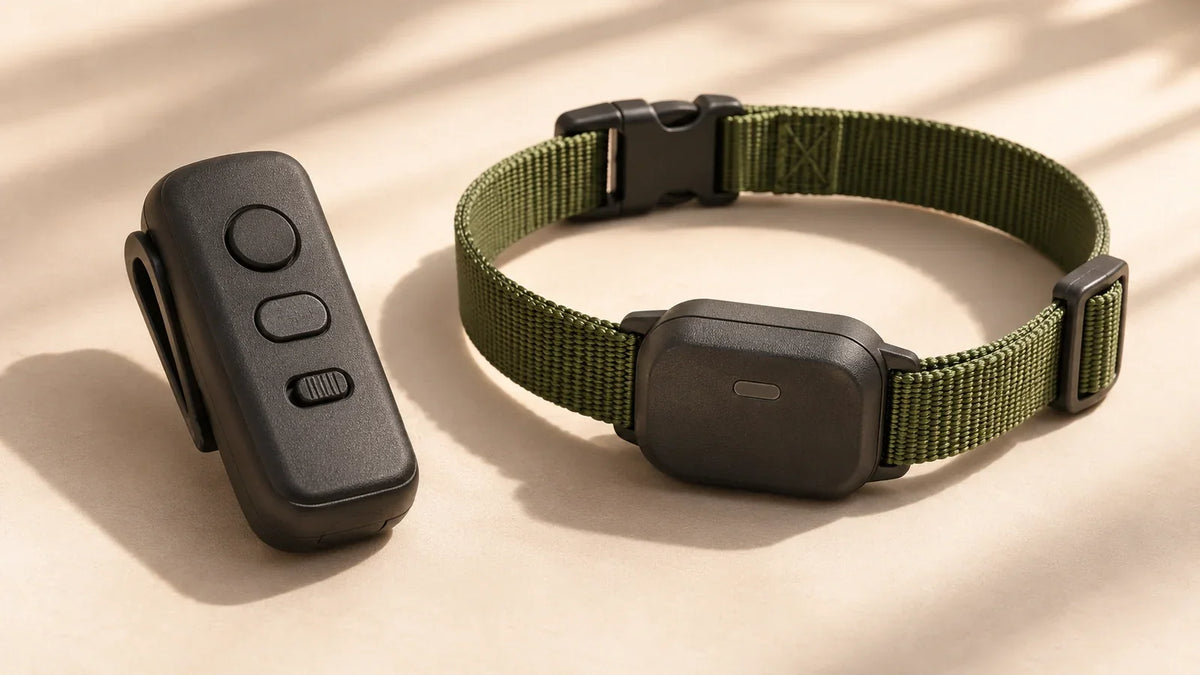
E-Collar Training for Dogs: Benefits, Risks, and How to Choose
Understand E-collar training, compare remote, bark, and boundary collars, and learn what the research, fit checks, and welfare guidance mean for your dog.
November 20, 2026
12 MINS READ
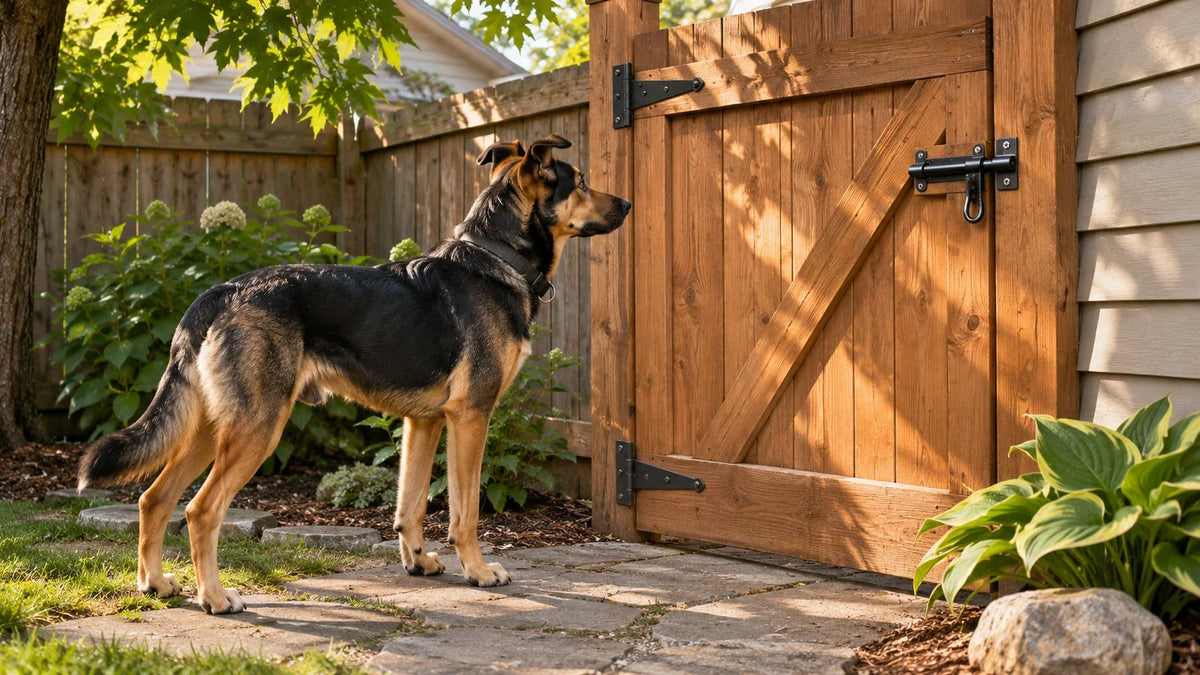
Best Fence for Dogs That Escape: Options by Escape Behavior
Find the best fence for dogs that escape. Compare six options for jumping, climbing, digging, gaps, and gates, plus costs and practical limits.
November 20, 2026
15 MINS READ
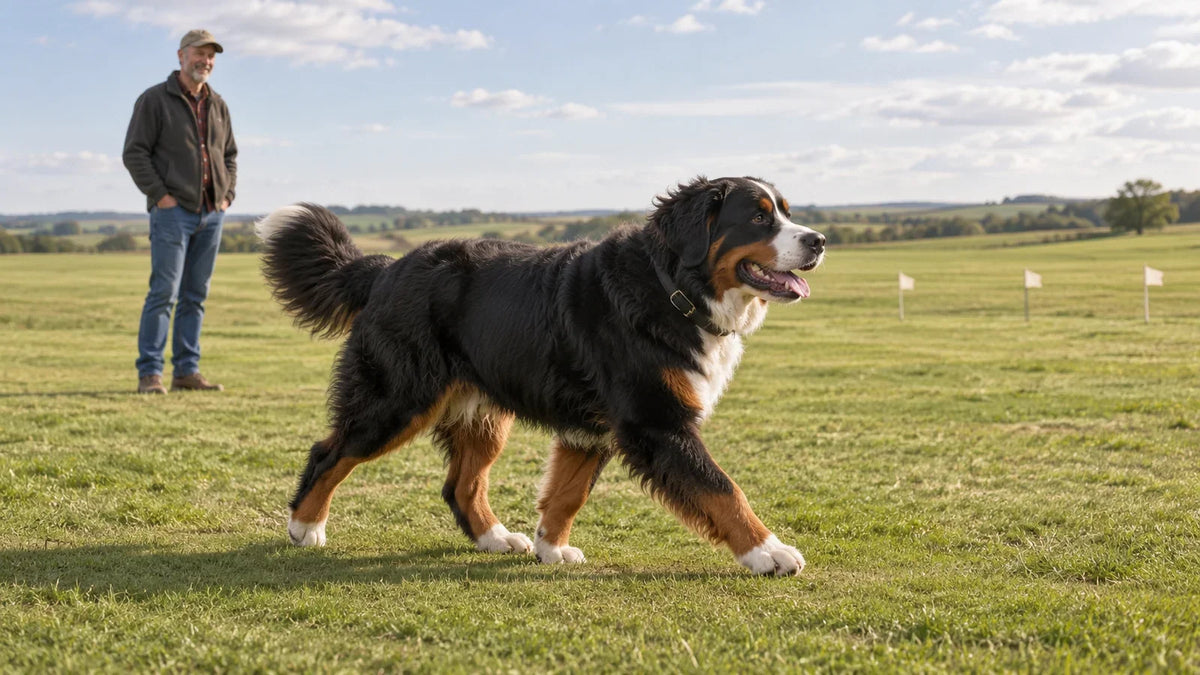
Best Wireless Fence for Large Dogs
The best wireless fence for large dogs, compared on neck fit, acreage, battery and monthly fees, with 5-year costs and a fit check for thick coats.
November 20, 2026
9 MINS READ
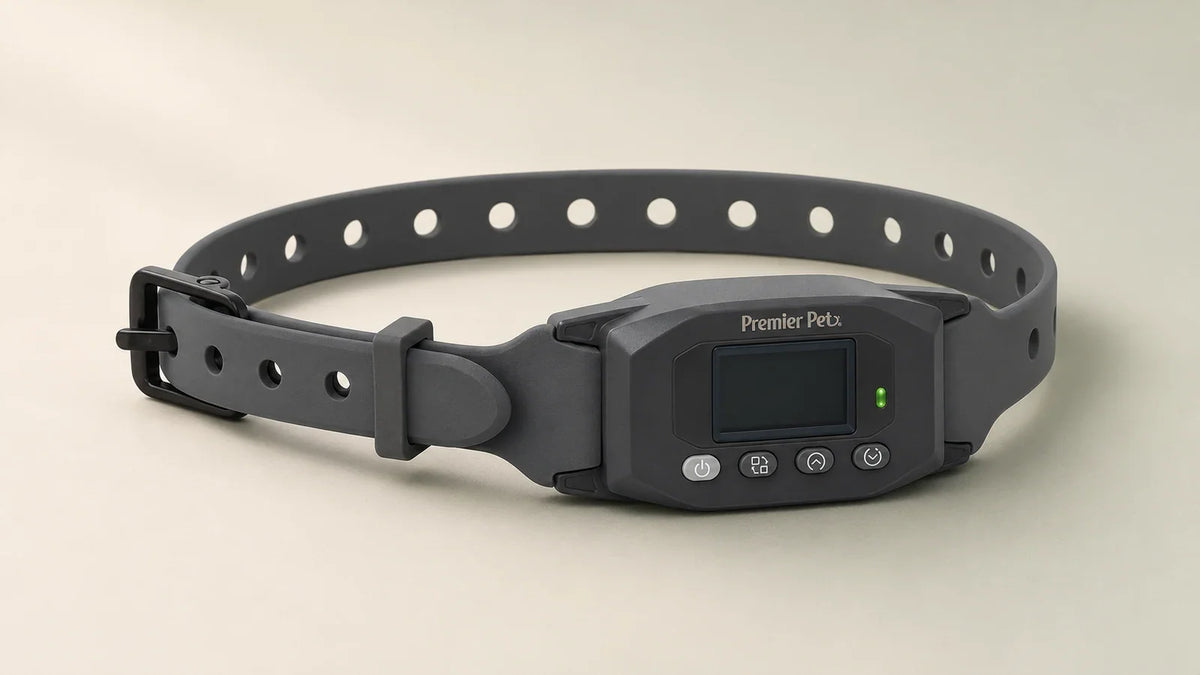
Premier Pet Wireless GPS Dog Fence Collar Review (2026)
Premier Pet wireless GPS dog fence collar review covering setup, accuracy, battery life, costs, and customer feedback. Compare it with PawTronic.

November 20, 2026
13 MINS READ
How to Keep a Dog From Digging Under a Fence
How to keep a dog from digging under a fence: a wire apron on the digging side, no-dig panels, pinned blocks at the gate, a dig pit, and real costs.
November 13, 2026
11 MINS READ
How Does a Wireless Dog Fence Work? Radio vs GPS
Radio and GPS dog fences set boundaries in different ways. See how the collars work, what happens when signals drop, and how to train your dog.

November 06, 2026
20 MINS READ
Best Invisible Dog Fences of 2026: Wireless, GPS and Wired
Compare GPS, wireless radio, and wired dog fences by yard layout, collar fit, subscriptions, training, and three-year cost.
November 06, 2026
9 MINS READ
Halo Collar 4 vs 5: What Changed Between the Two Collars
Compare the Halo Collar 4 and 5 by hardware price, charging, GPS features and first-year membership costs before buying or upgrading.
November 06, 2026
13 MINS READ
Best GPS Dog Collars With No Subscription
Find GPS dog collars with no subscription. Compare fence collars, understand tracking limits, and check fit, setup needs, and ownership costs.

November 06, 2026
15 MINS READ
Best GPS Dog Fences Without a Subscription in 2026
Compare four GPS dog fences without subscription fees, including hardware prices, optional tracking, dog-fit limits, and property requirements.


Pawtronic Pro
A wireless GPS fence and training collar that helps you create safe outdoor boundaries without buried wire, base stations, or monthly fees.
4 interest-free installments


